
01
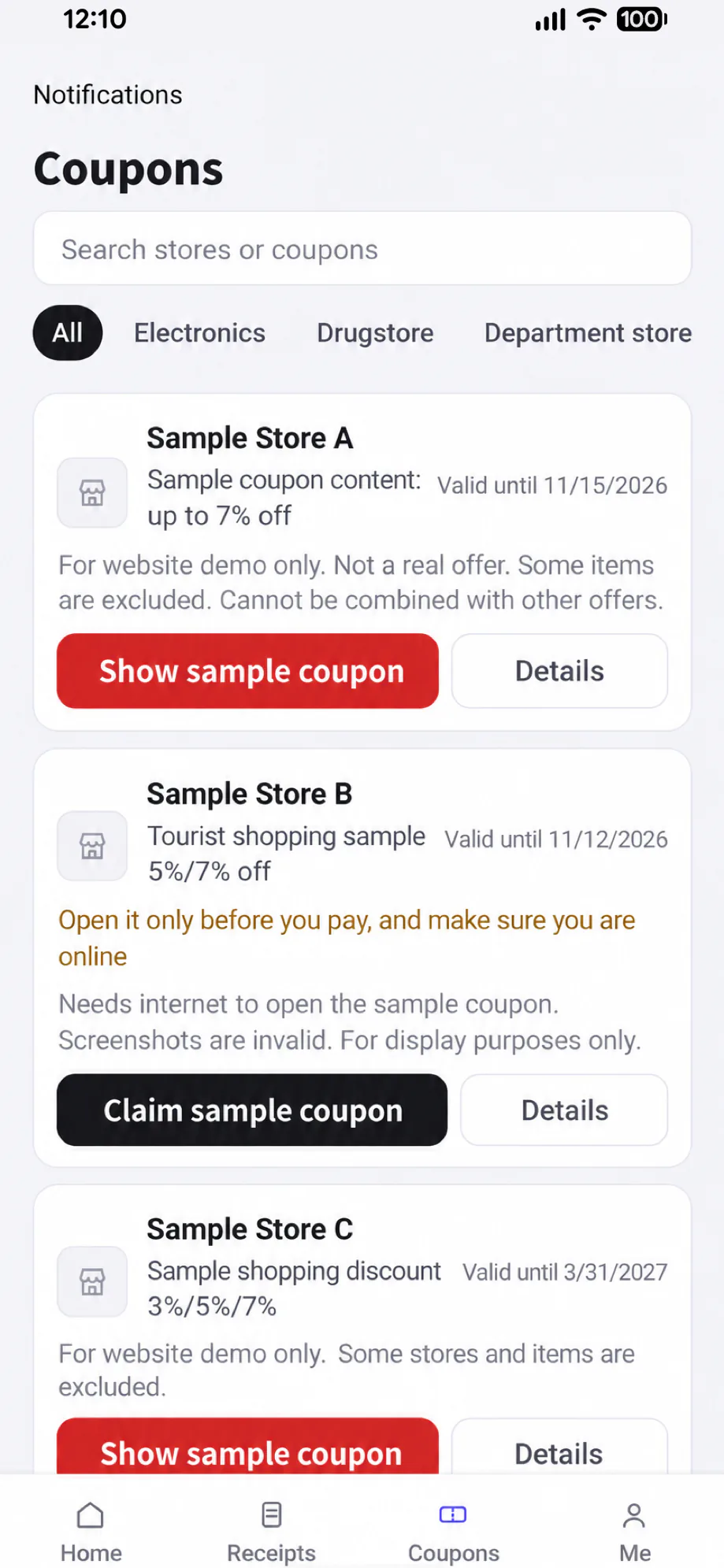
Shopping coupons in Japan
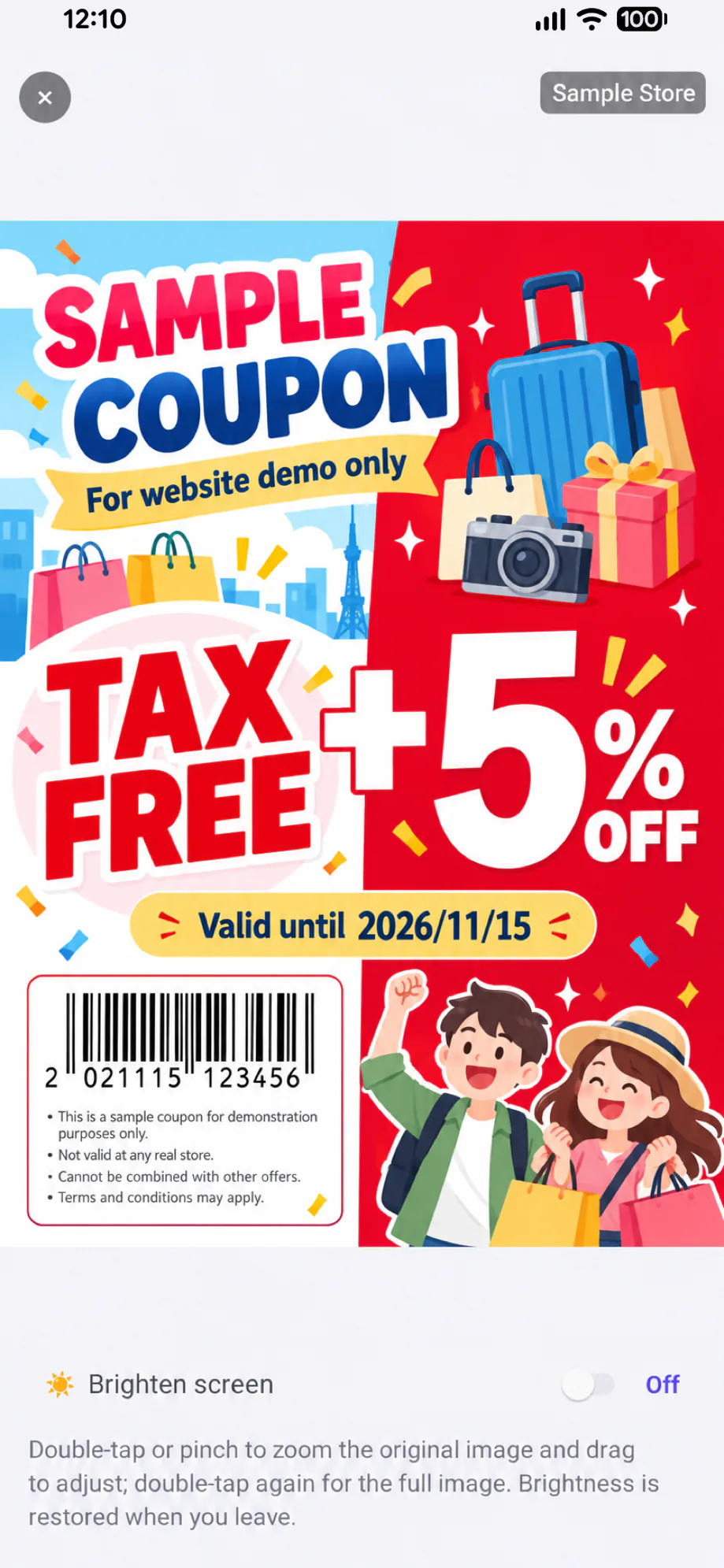
Explore handpicked coupons for stores in Japan. Check the terms before paying and follow the coupon instructions.
Offers and terms are set by each store.

Japan Shopping DealsReceipt OrganizerTax Refund Info
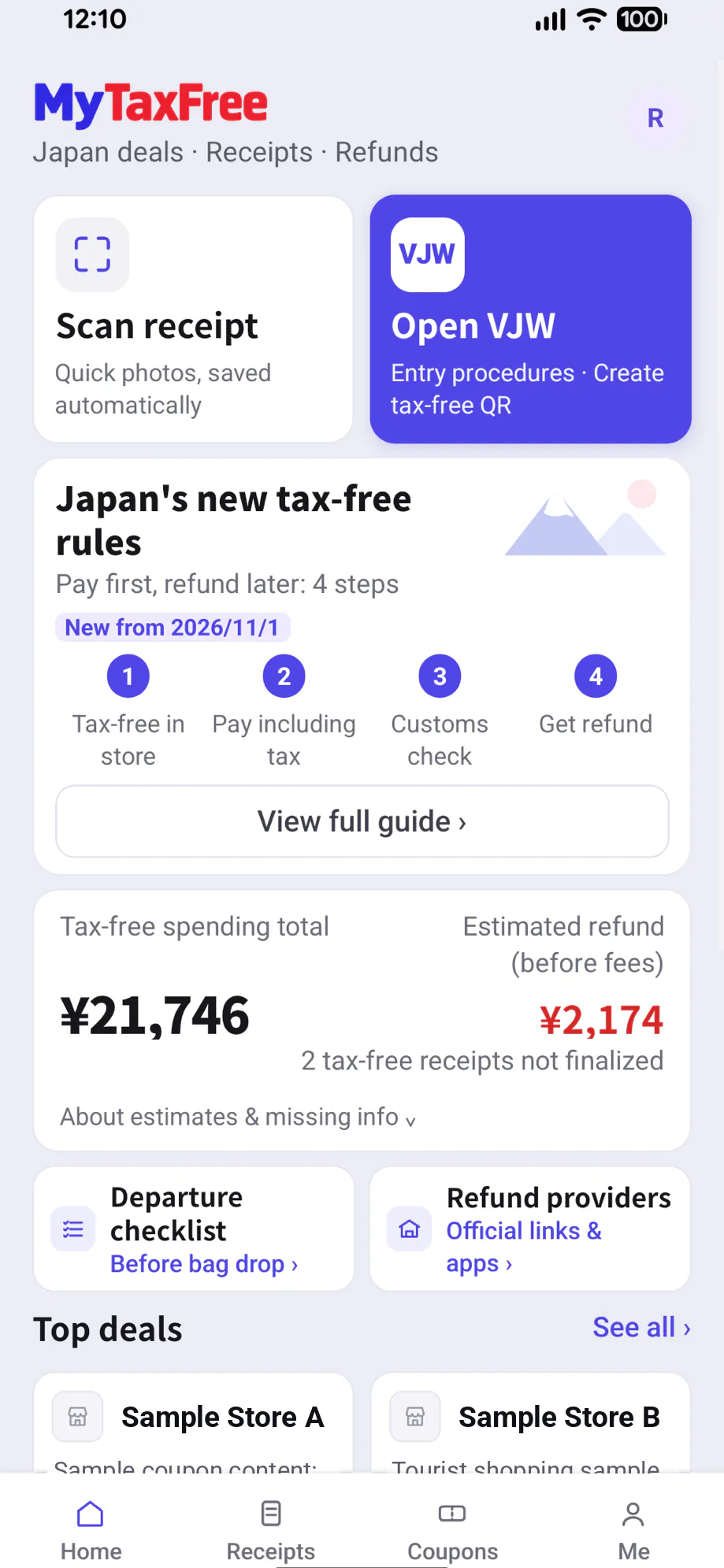
Shopping in Japan? Find coupons, scan receipts and check tax refund info in one app.
From Nov 1, 2026, eligible visitors pay the tax-inclusive price for qualifying goods at Japan's tax-free stores, then get a refund after customs checks and other required steps.
Explore handpicked coupons for stores in Japan. Check the terms before paying and follow the coupon instructions.
Offers and terms are set by each store.
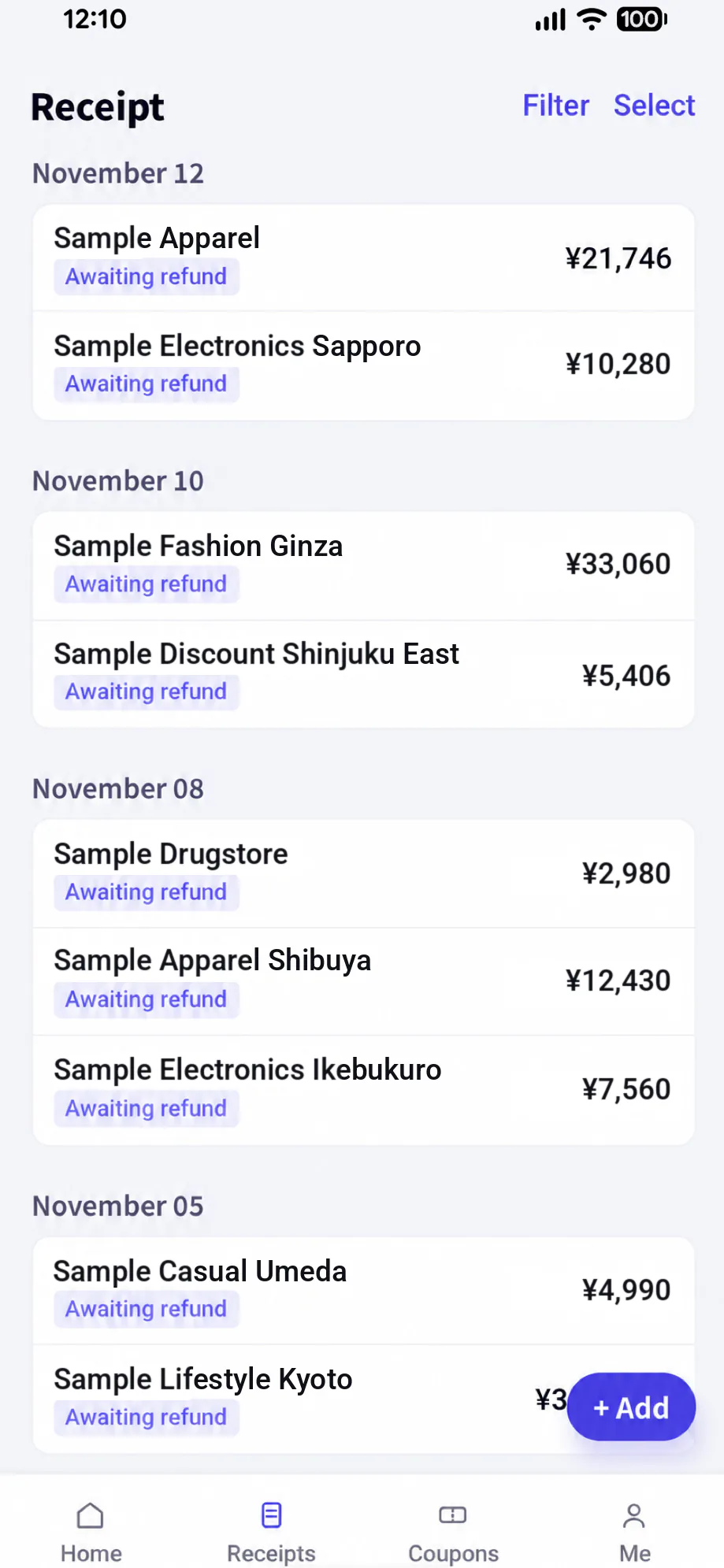
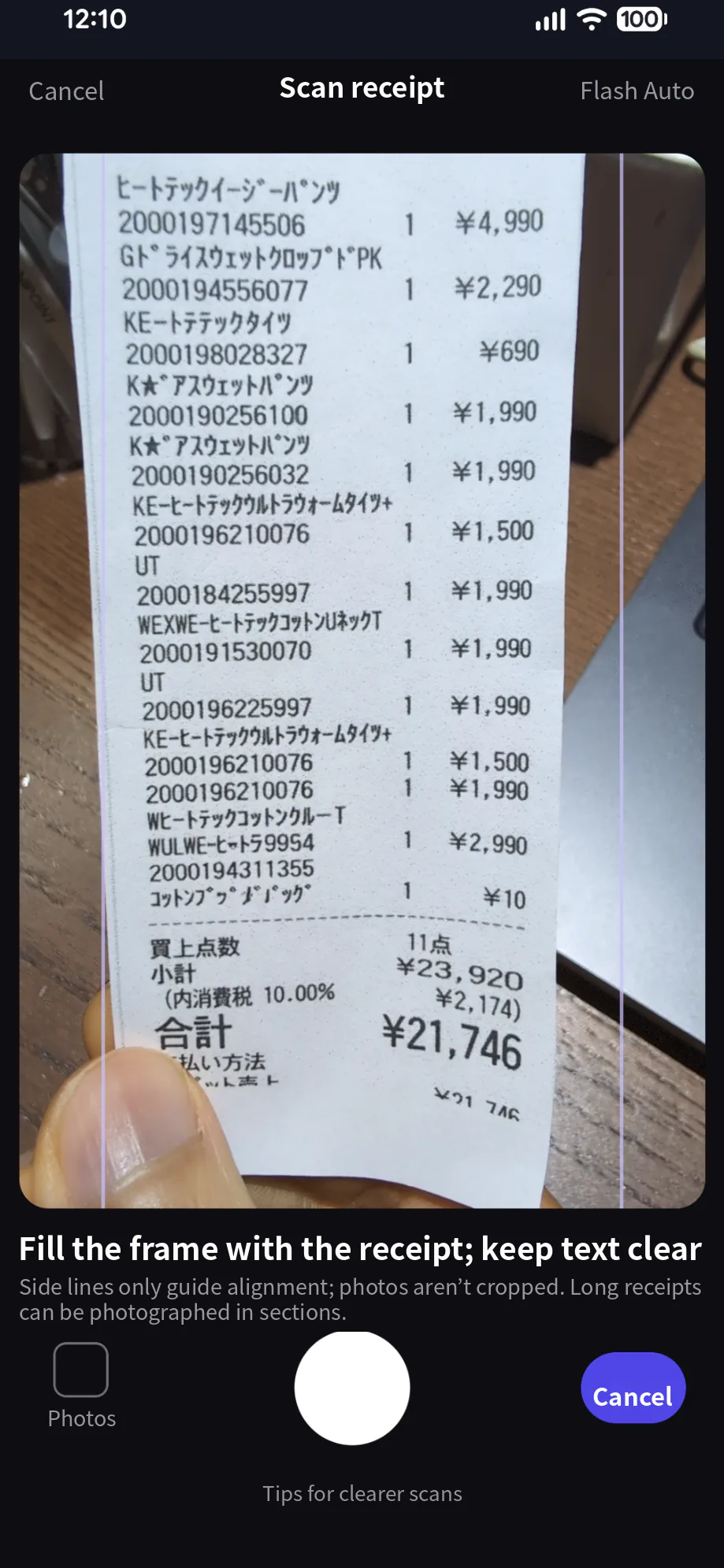
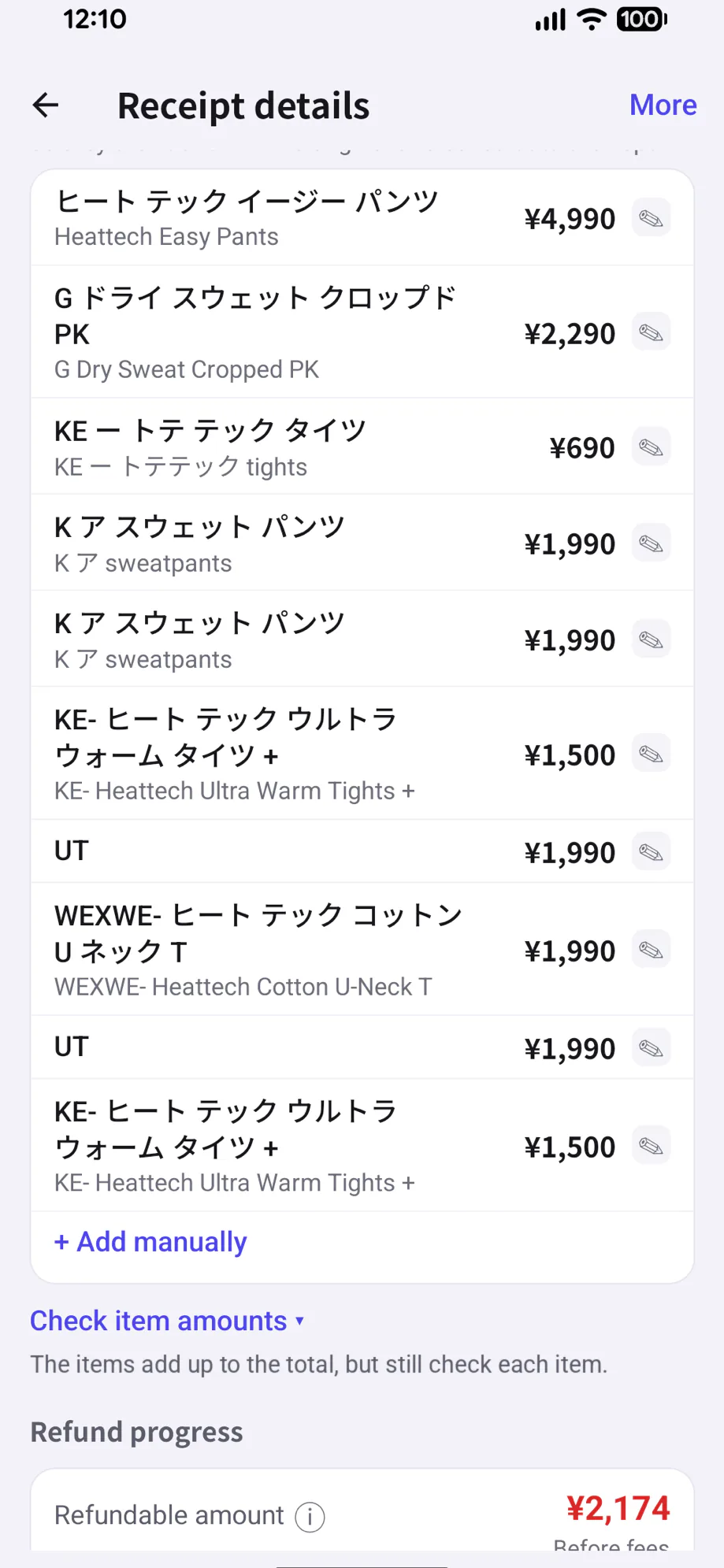
Scan receipts to record the store, purchase date and amount, and translate item names. Sign in for automatic backup.
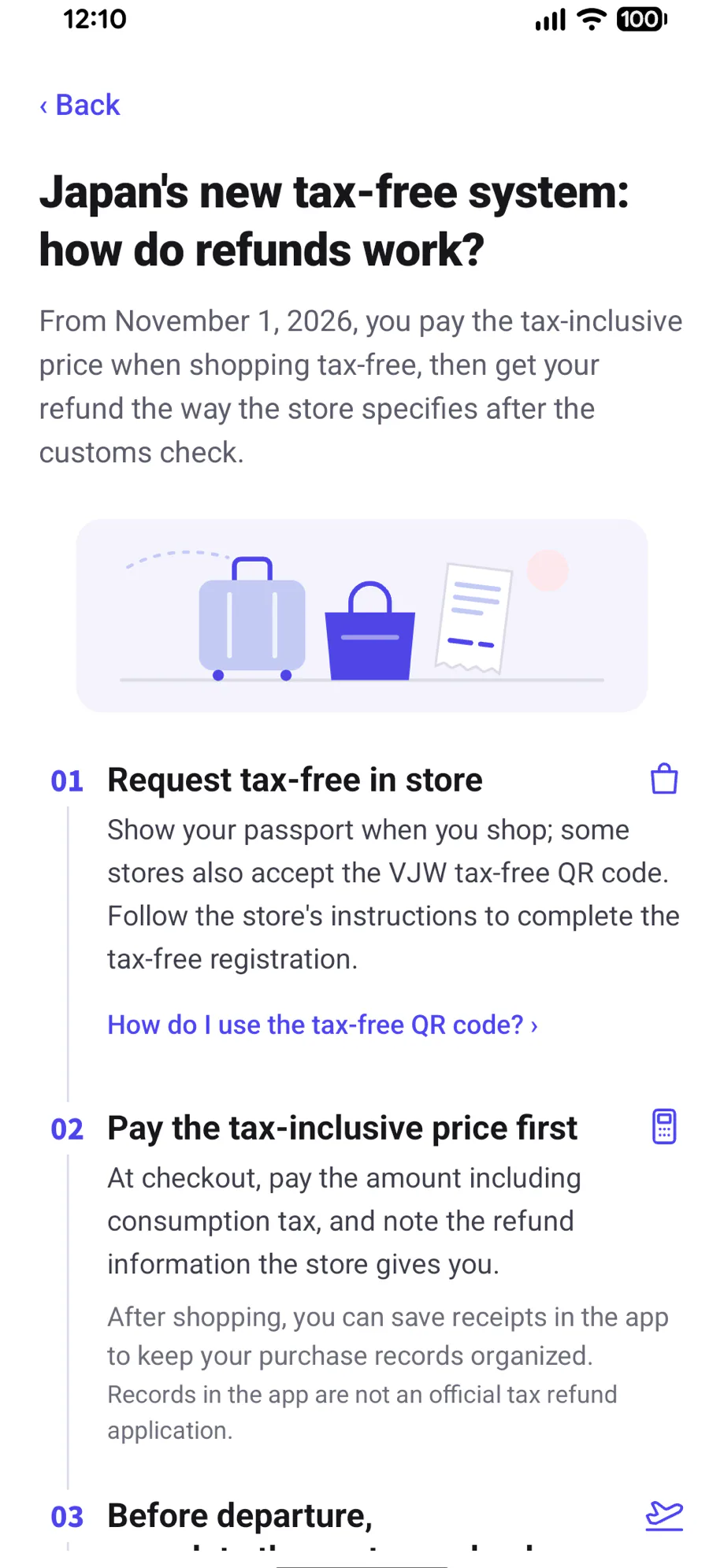
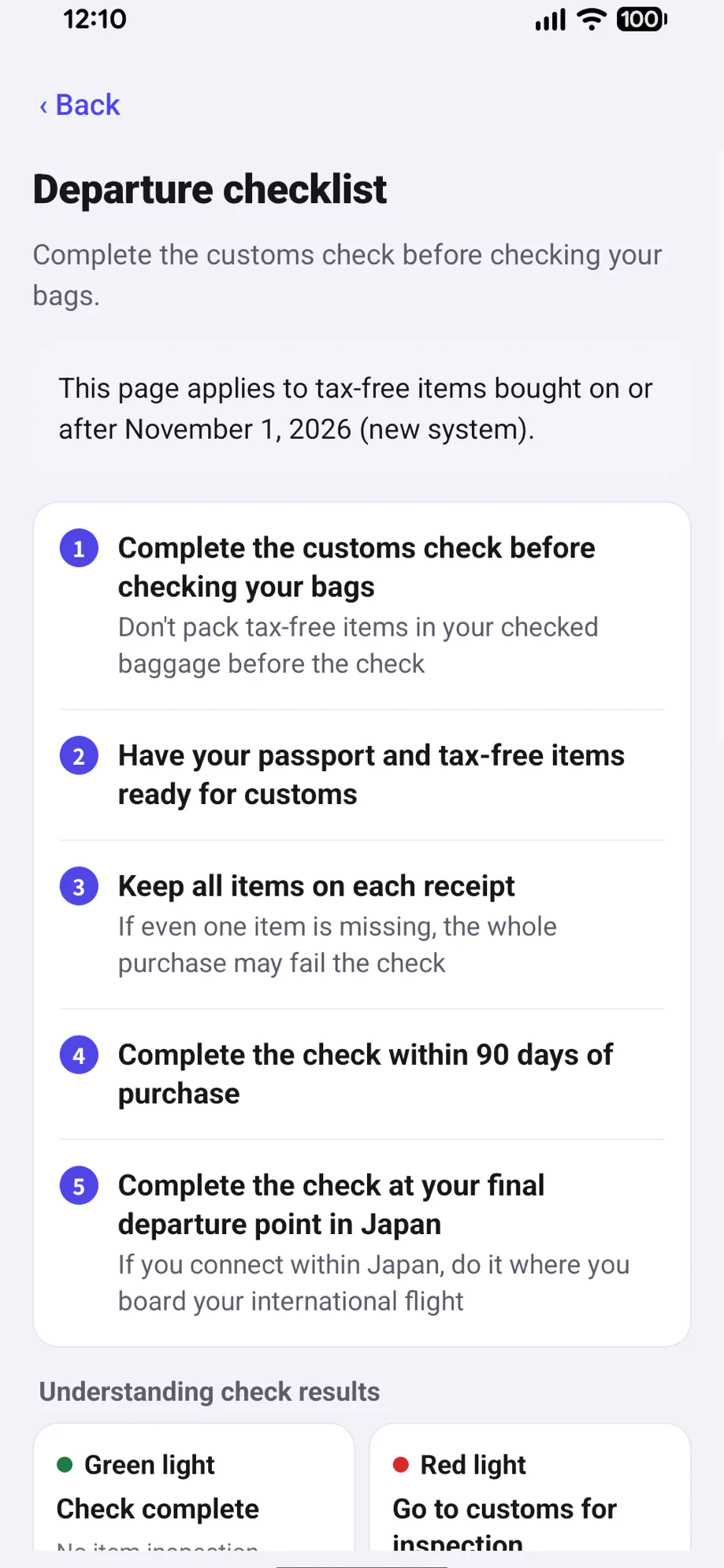
Understand Japan's new tax-free rules and find refund providers and official instructions for your receipts. Follow the departure checklist: complete the customs check before checking your bags.
← Swipe to see more →
No. You can start without signing in. Sign in for free to back up your receipts and photos automatically. Once backup is complete, sign in with the same account on another phone to restore them. Use Google, LINE or email to sign in; Apple sign-in is also available on iPhone.
Yes. The app is free to download, and all features are currently free.
The app is available in Traditional Chinese, Simplified Chinese, English, Japanese and Korean.
Your receipts and photos are backed up to your account after you sign in. When signed out, receipts stay on this phone without account backup; cloud scanning still uploads photos for processing. Before deleting the app or changing phones, sign in and confirm backup is complete. Before moving from iPhone to Android, add Google, LINE or email under "Sign-in methods" in the same account.
No. MyTaxFree organizes your receipts and provides refund provider information and official instructions. Stores or refund providers handle refunds under Japanese rules. Refund amounts and fees depend on the actual processing results.
From Nov 1, 2026, eligible visitors buying qualifying goods at Japan's tax-free stores pay the price including consumption tax. The store or refund provider refunds the tax after the required customs checks and other procedures. The app's guide to Japan's new tax-free rules and departure checklist help you prepare.
Receipt photos are used to read, organize and back up your receipts, and to improve scanning quality. They are not made public or used for advertising. Cloud scanning starts only with your consent, and you can turn it off in the app at any time.
Not always. Scanning and translation can make mistakes, so check against your original receipt. You can edit the store, purchase date, amount and item details in the app.
You can take and save receipt photos offline, then process them when connected. Saved receipts and the departure checklist can be viewed offline. Some coupons you have shown before can also be shown offline while valid.
In the app, open "Me", tap your account, then select "Delete account" under "Account & devices". If you cannot use the app, email [email protected] to request deletion. See Deleting Your MyTaxFree Account and Data.
Coming soon to the App Store and Google Play
Free to download. Get it before your trip.
